
How to Use Tool Tips in the Header (Step by Step)
July 6, 2026 By imageresize.cc
Whether you are preparing images for a website, a form, or social media, knowing how to learn what each control does saves time. This guide uses imageresize.cc — free, in-browser, no watermark.
What you'll need
- One or more images (up to 10 per batch, 10 MB each)
- Any modern browser on computer, tablet, or phone
- No account — start immediately
Step 1: Find Tool Tips
Click “Tool Tips” in the site header. Bookmark the page if you use this workflow often.
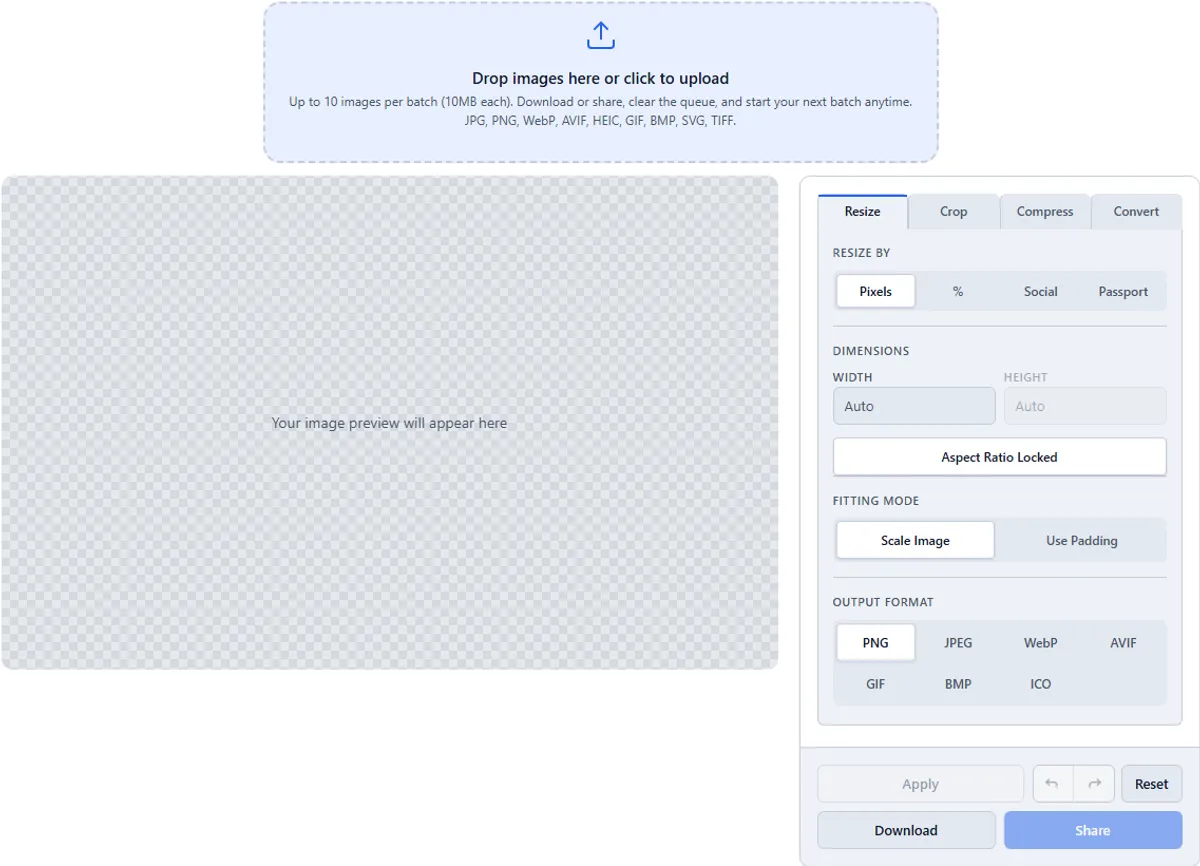
Step 2: Browse topics
Panels explain Resize, Crop, Compress, Convert, and more. If the preview looks wrong, check you picked the correct source file.
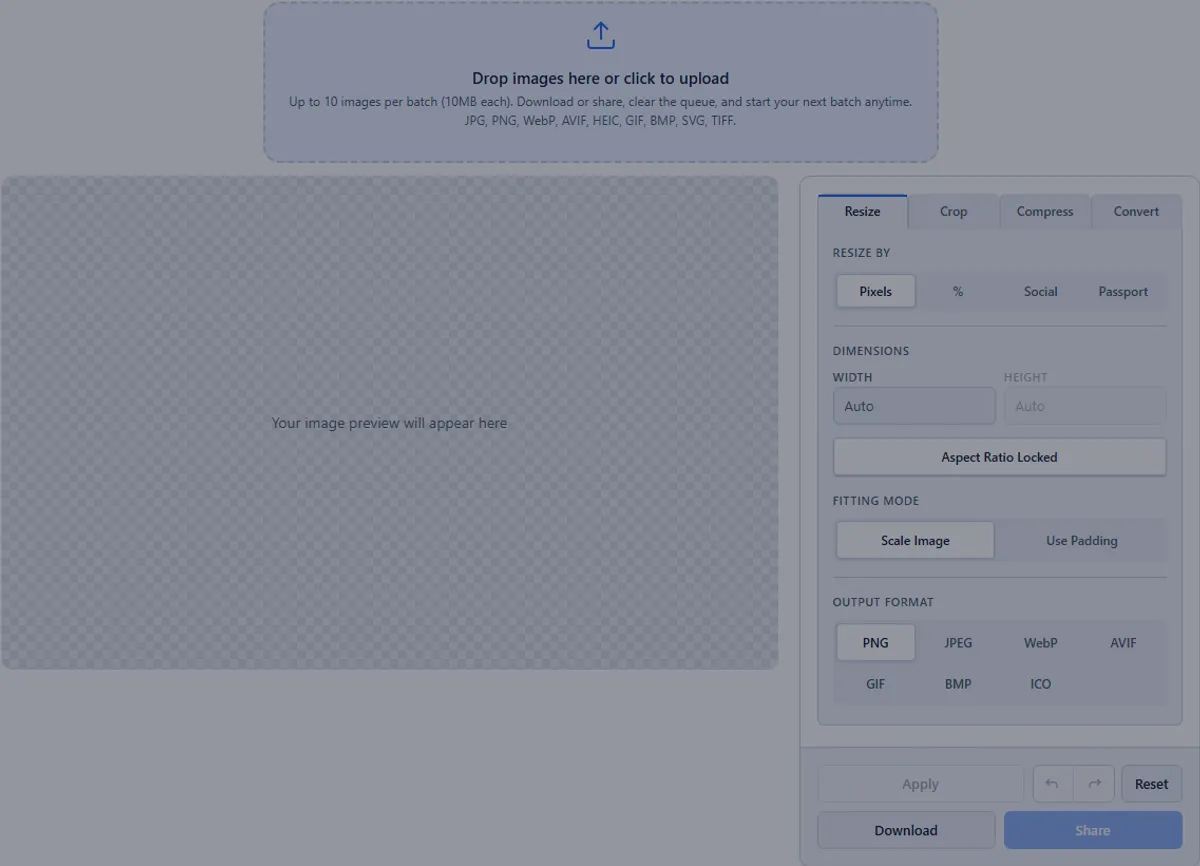
Step 3: Keep open while working
Reference tips without leaving the editor.
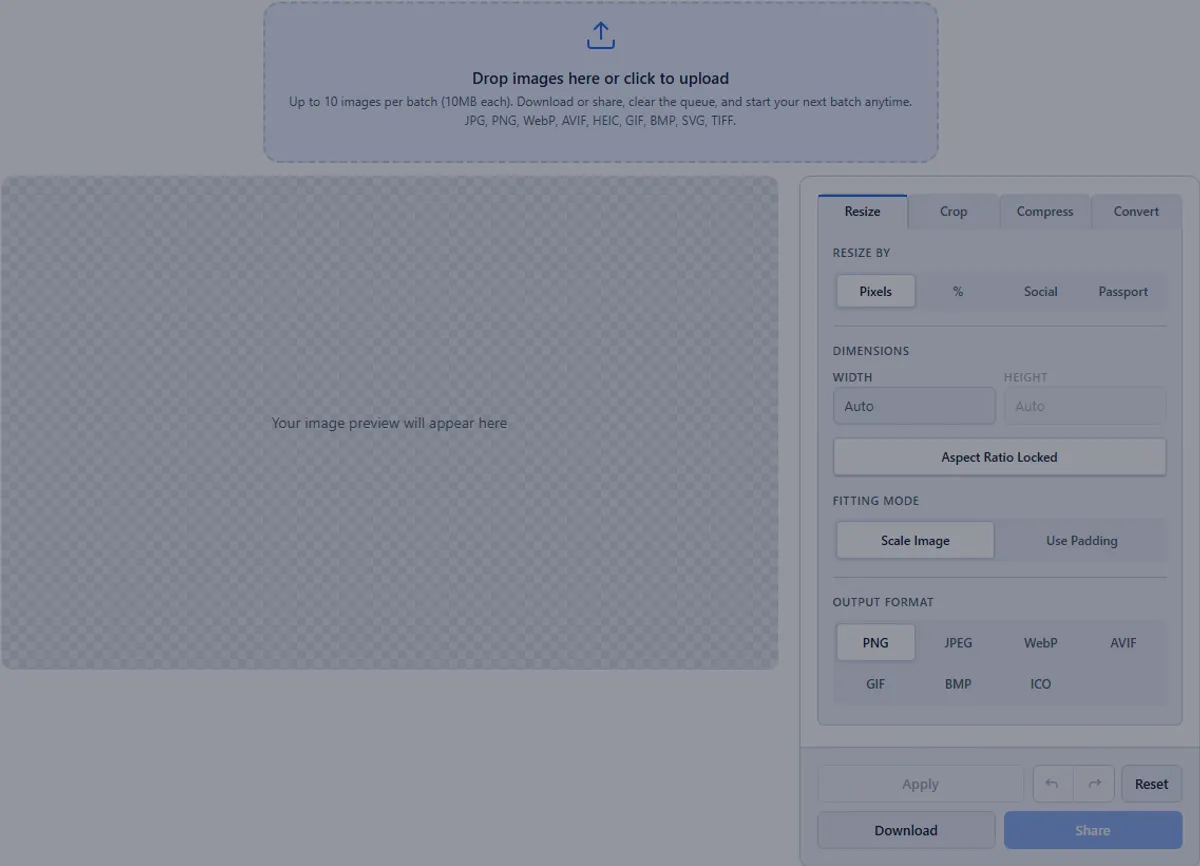
Step 4: Close when done
Click outside or the close button to return to full canvas view.

Practical tip
Bookmark imageresize.cc — no account needed, works on desktop and mobile.
Try it yourself
When you are happy with the preview, download to your device or share a link — your choice. Open the Tool Tips →
Related: How imageresize.cc works · FAQ
Common questions
Is imageresize.cc free?
Yes. Free tools with no watermark and no signup.