
How to Compress PNG Images (Step by Step)
July 6, 2026 By imageresize.cc
Government forms, job portals, and school systems often cap file size strictly. Here is how to compress PNG to smaller file without guesswork.
What you'll need
- The image that exceeds a size limit or loads too slowly
- Your target if the portal specifies one (e.g. 100 KB)
- A minute to preview before you download
Step 1: Open the compressor
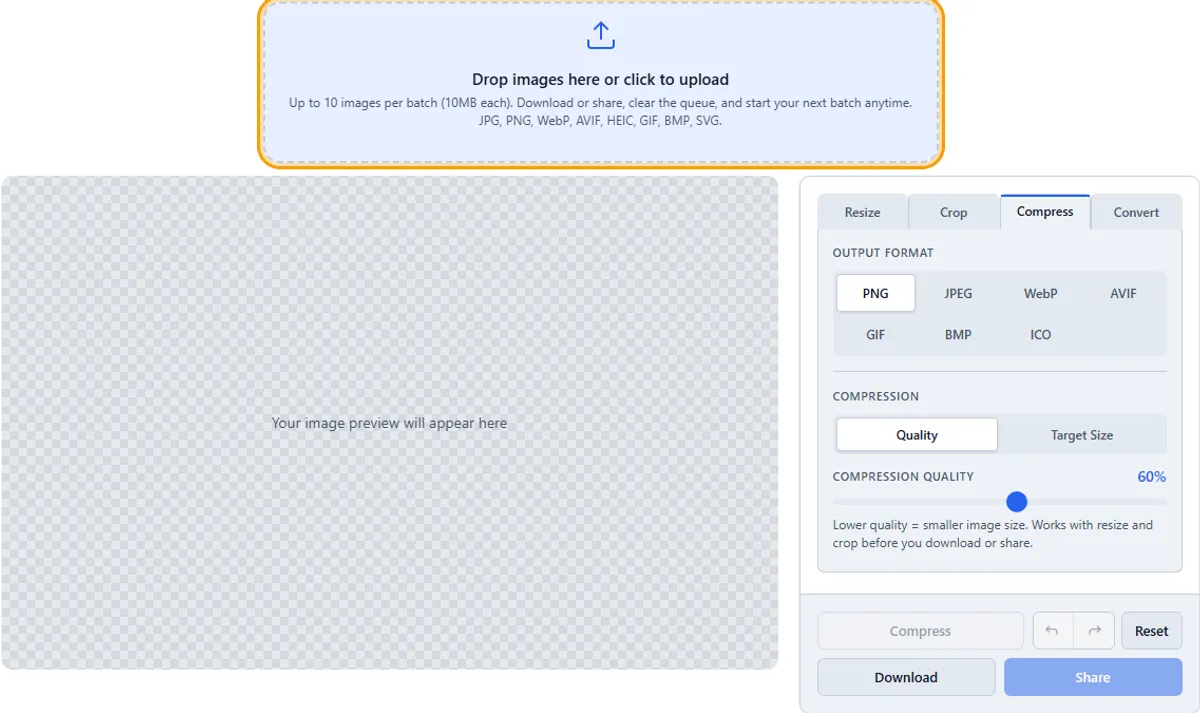
Go to imageresize.cc/compress-png. Bookmark the page if you use this workflow often.
Step 2: Upload your file
Add your PNG image. If the preview looks wrong, check you picked the correct source file.

Step 3: Adjust quality
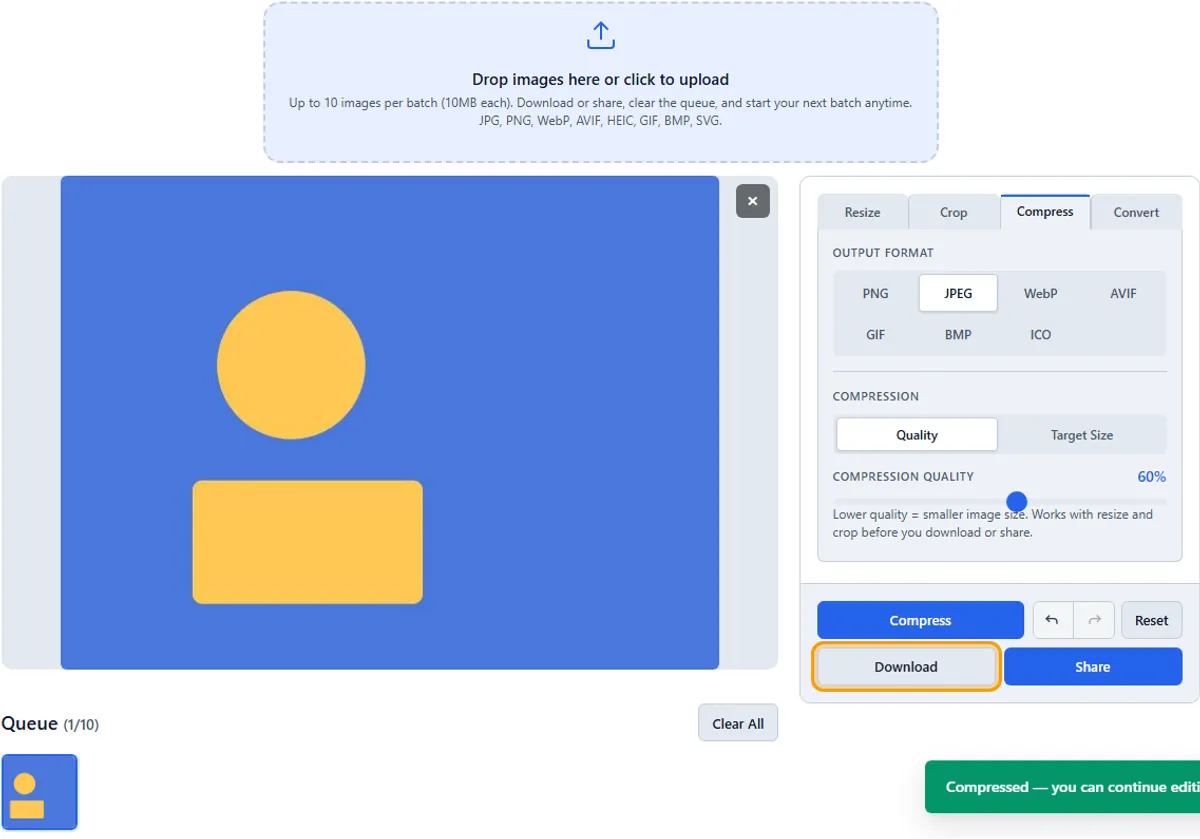
Use the quality slider (around smaller file is a good starting point for web). Watch the preview.

Step 4: Download
Click Apply, then Download when the file size looks right.
Practical tip
Combine compress with resize — smaller dimensions often reduce file size more than quality alone.
Try it yourself
Take a moment to check the preview at full size; small screens hide compression artifacts. Open the Image Compressor →
Related: Open the tool · Compress to 200 KB · Resize for smaller files
Common questions
Will compression ruin my photo?
Moderate compression is usually invisible on web. Use the preview and target-size estimate before downloading.