
How to Compress an Image to 20 KB (Step by Step)
July 6, 2026 By imageresize.cc
If a portal says "max 100 KB" and your photo is 2 MB, this step-by-step guide to compress any image to 20 KB is for you.
What you'll need
- The image that exceeds a size limit or loads too slowly
- Your target if the portal specifies one (e.g. 100 KB)
- A minute to preview before you download
Step 1: Open the compressor
Go to imageresize.cc/compress-image-to-20kb. Bookmark the page if you use this workflow often.
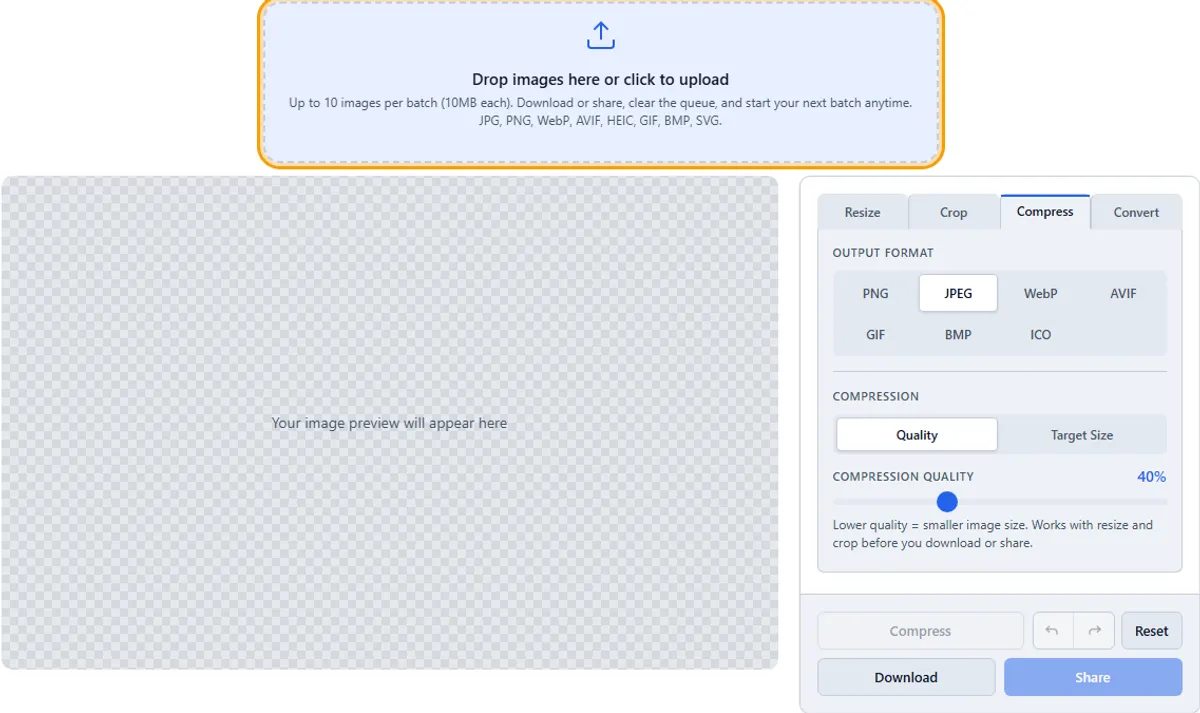
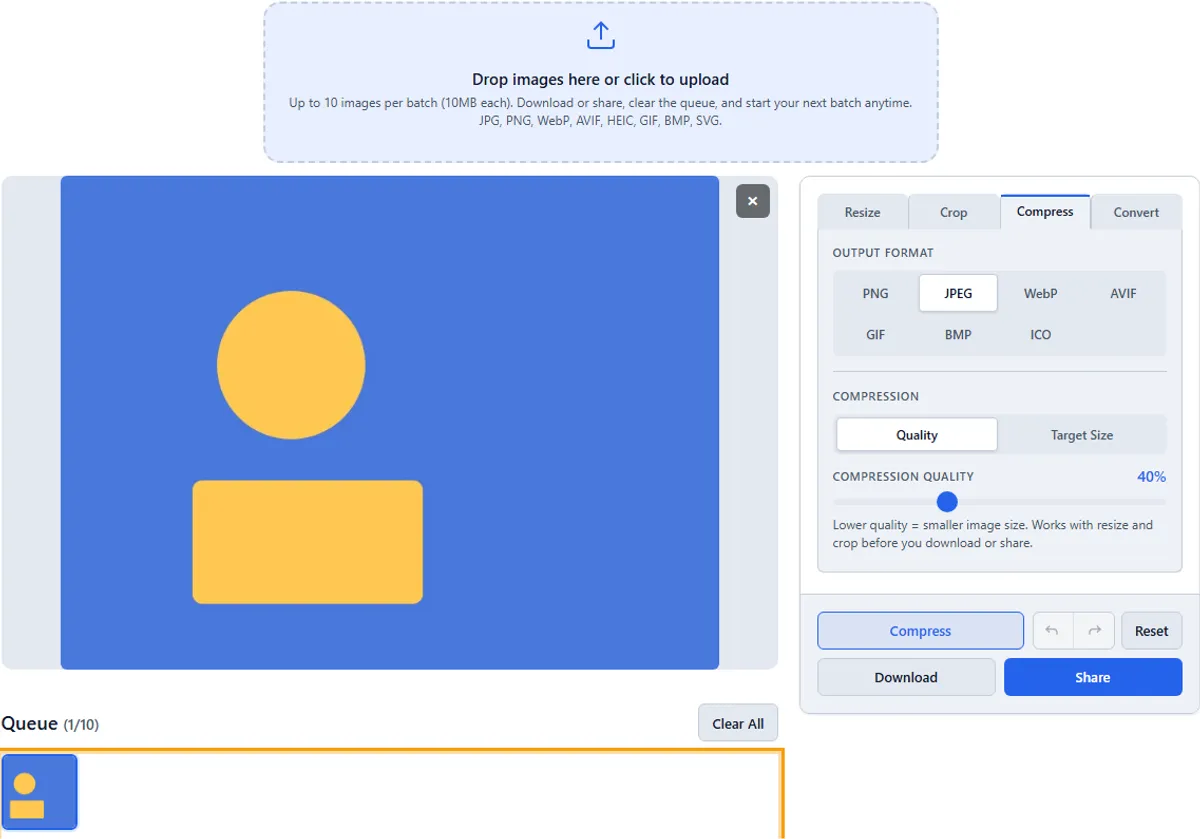
Step 2: Upload your file
Add the image that must meet a strict size limit (forms, portals, email). If the preview looks wrong, check you picked the correct source file.
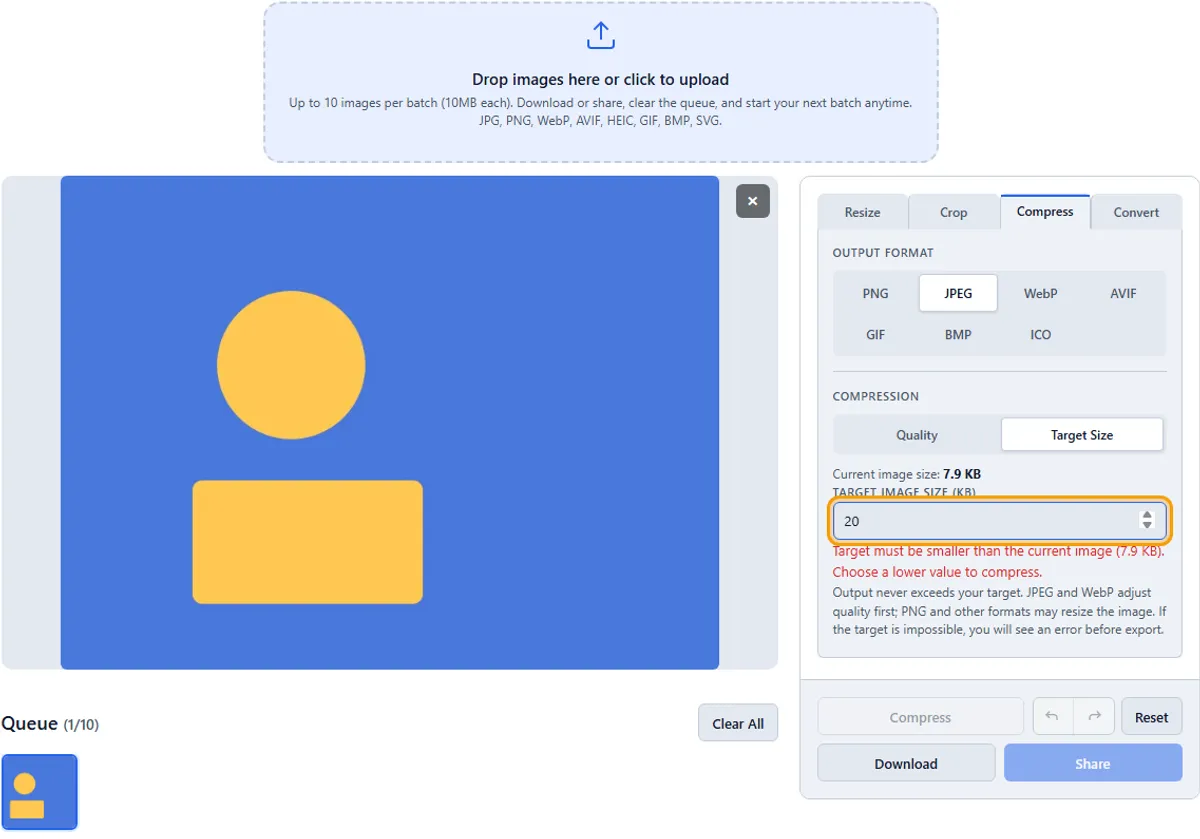
Step 3: Set target size
Switch to Target Size mode and enter 20 KB. The estimate card shows expected quality and output.
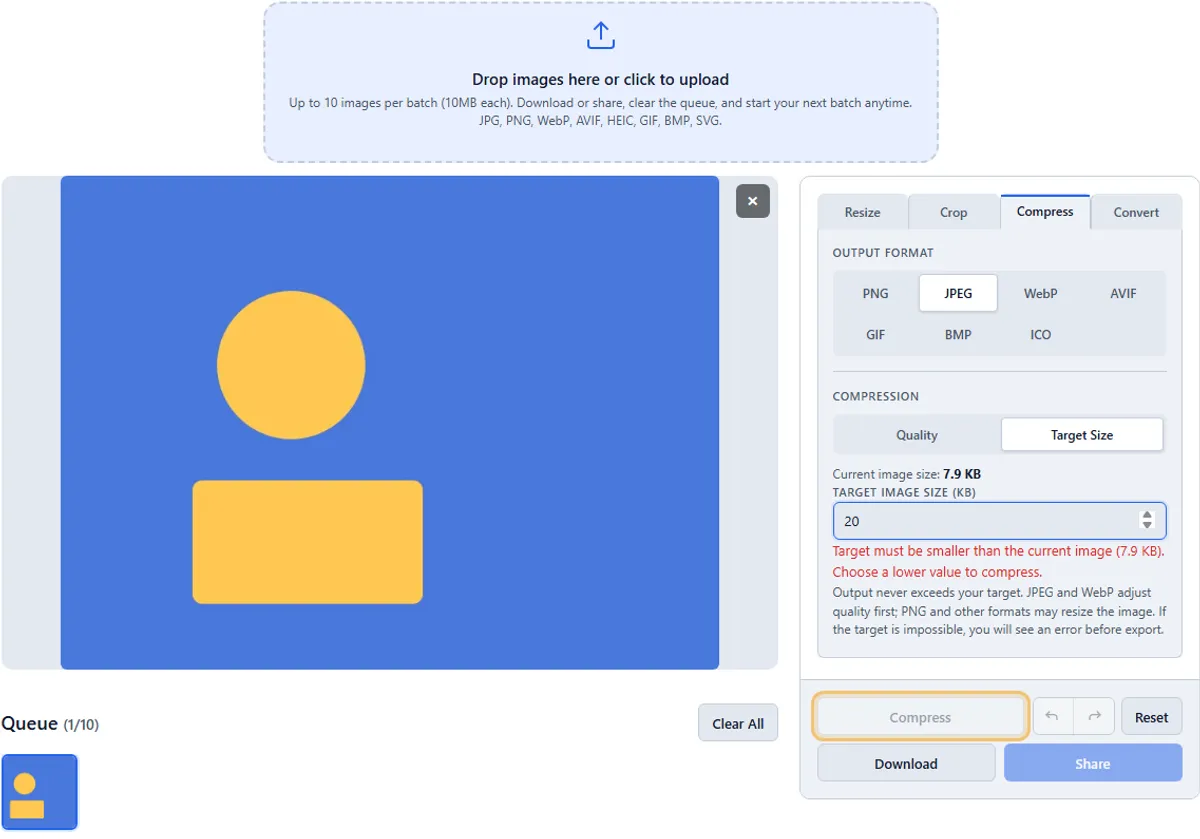
Step 4: Apply and verify
Click Apply. If the target is impossible, you will see an error before export — try a slightly higher target.
Practical tip
Combine compress with resize — smaller dimensions often reduce file size more than quality alone.
Try it yourself
You can run another batch anytime: clear the queue and upload up to 10 new images. Open the Image Compressor →
Related: Open the tool · Compress to 200 KB · Resize for smaller files
Common questions
Will compression ruin my photo?
Moderate compression is usually invisible on web. Use the preview and target-size estimate before downloading.