
How to Compress an Image to 100 KB (Step by Step)
July 6, 2026 By imageresize.cc
If a portal says "max 100 KB" and your photo is 2 MB, this step-by-step guide to compress any image to 100 KB is for you.
What you'll need
- The image that exceeds a size limit or loads too slowly
- Your target if the portal specifies one (e.g. 100 KB)
- A minute to preview before you download
Why 100 KB limits exist
Visa applications, university portals, and government forms often cap uploads near 100 KB to keep systems fast. Lowering quality and dimensions together is usually more effective than quality alone.
Step 1: Open the compressor
Go to imageresize.cc/compress-image-to-100kb. Bookmark the page if you use this workflow often.
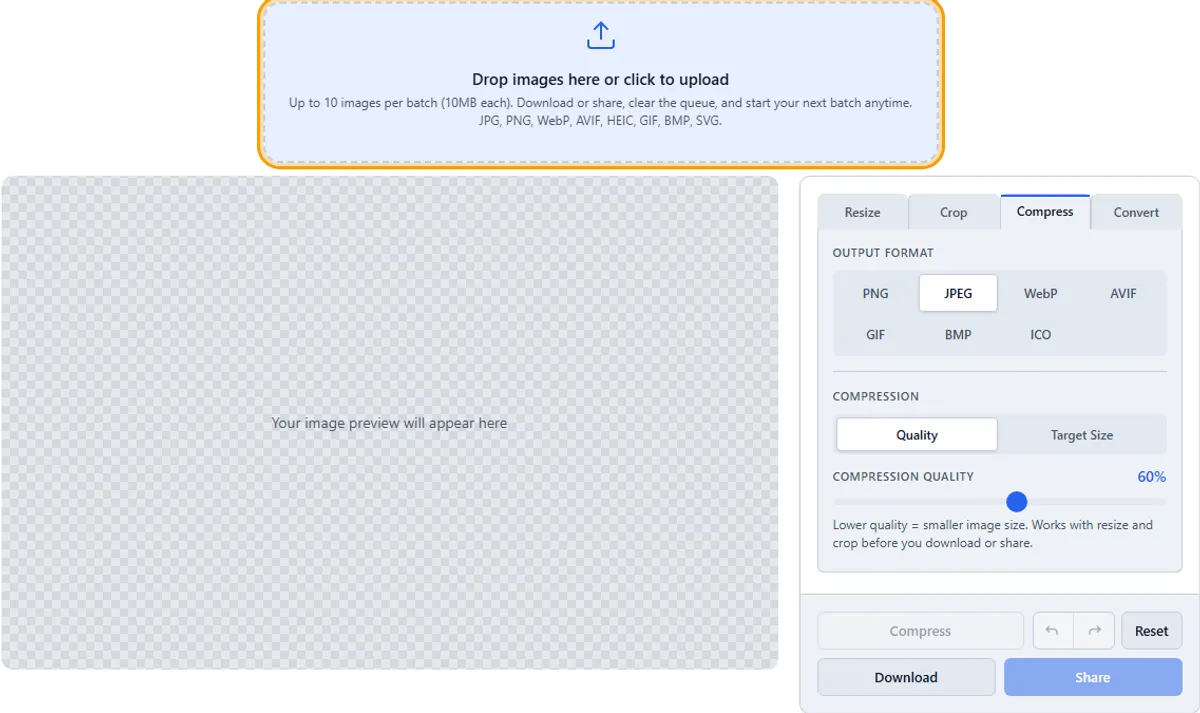
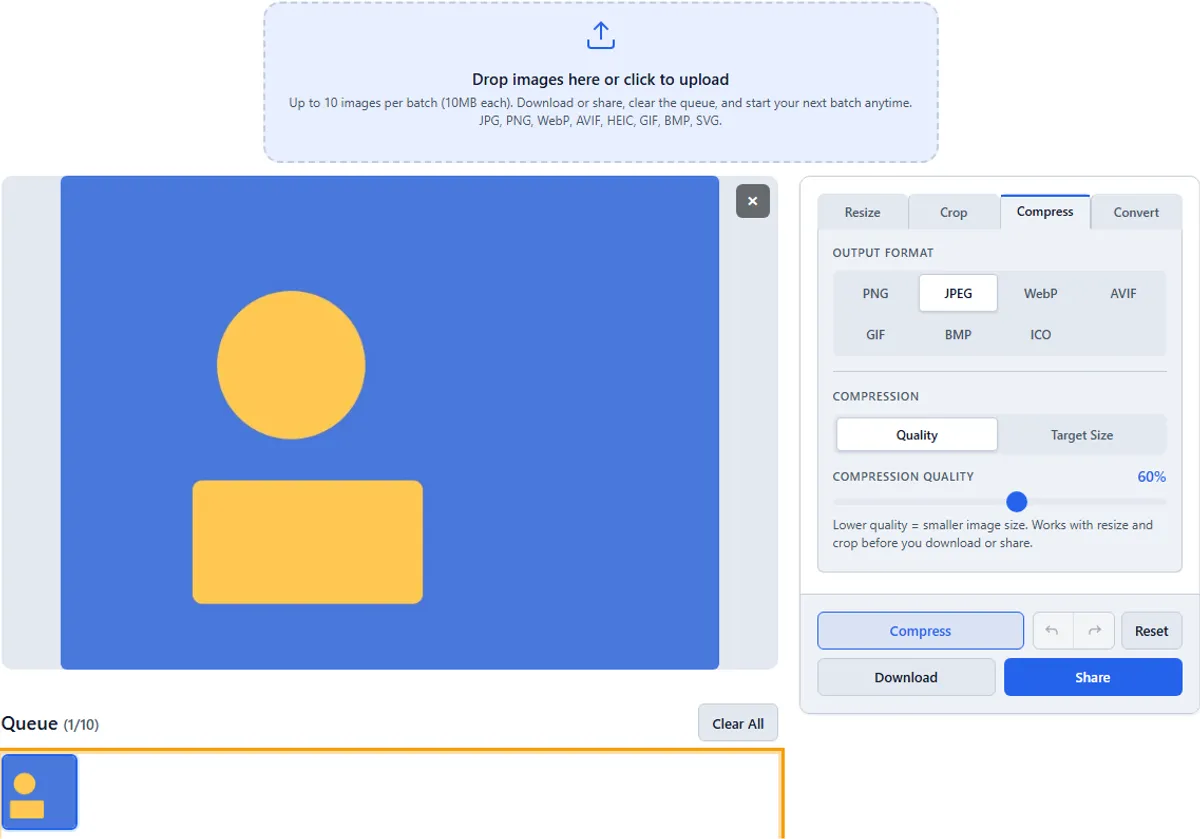
Step 2: Upload your file
Add the image that must meet a strict size limit (forms, portals, email). If the preview looks wrong, check you picked the correct source file.
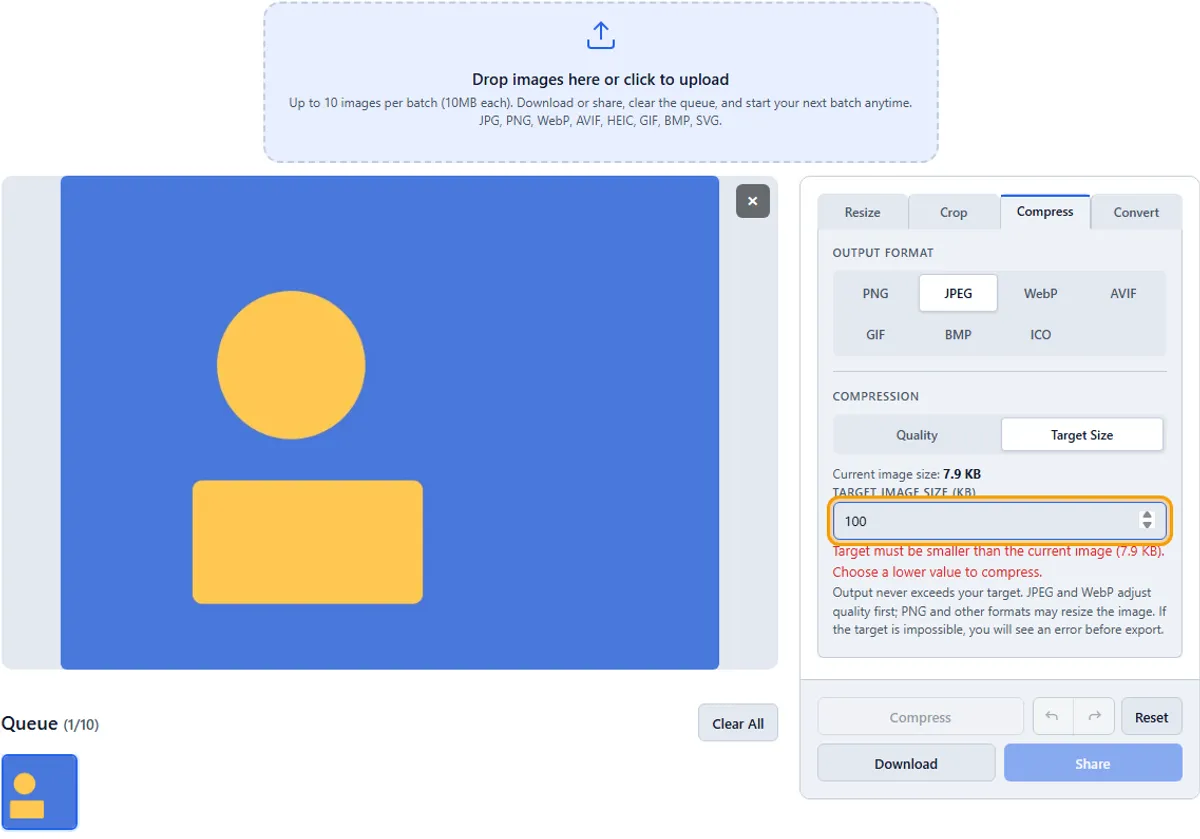
Step 3: Set target size
Switch to Target Size mode and enter 100 KB. The estimate card shows expected quality and output. Adjust settings while watching the canvas — changes apply only after you click Apply.
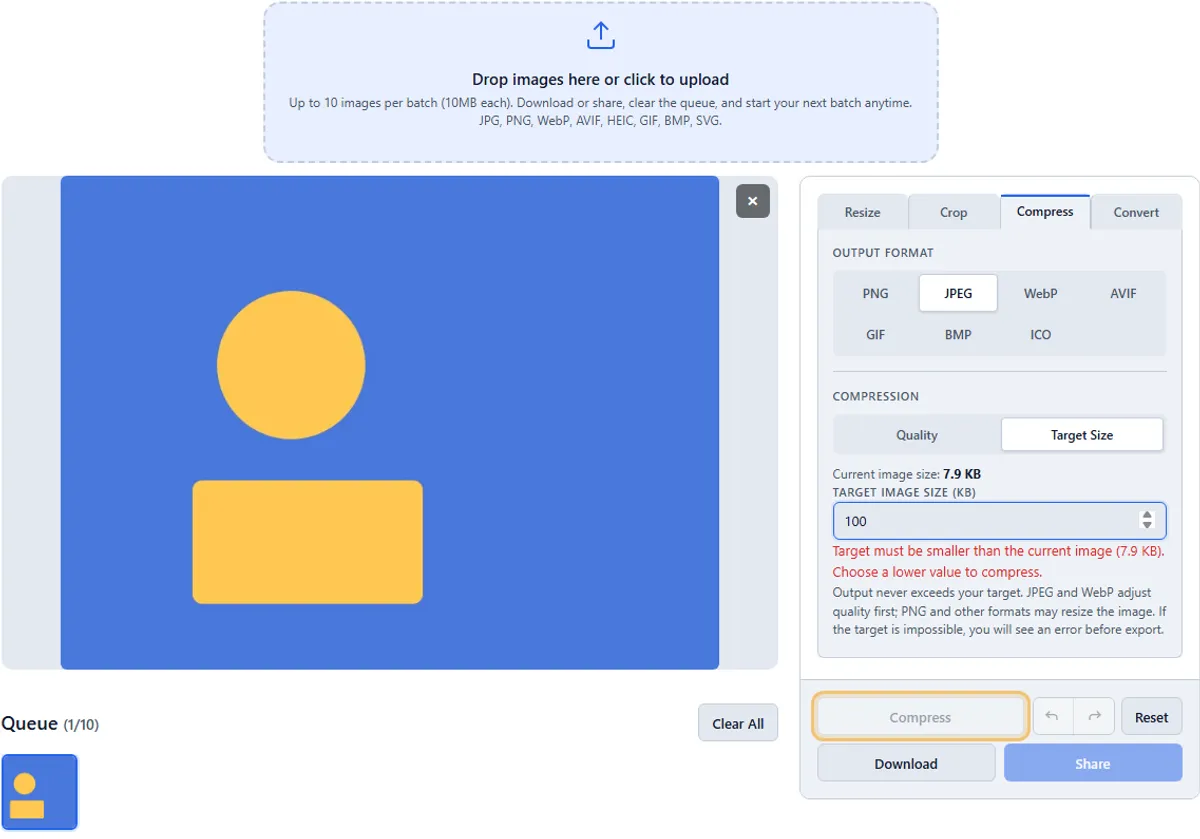
Step 4: Apply and verify
Click Apply. If the target is impossible, you will see an error before export — try a slightly higher target. Use Undo if you want to compare before downloading.
Practical tip
Combine compress with resize — smaller dimensions often reduce file size more than quality alone.
Try it yourself
When you are happy with the preview, download to your device or share a link — your choice. Open the Image Compressor →
Related: Open the tool · Compress to 200 KB · Resize for smaller files
Common questions
Will compression ruin my photo?
Moderate compression is usually invisible on web. Use the preview and target-size estimate before downloading.
Is imageresize.cc safe for personal photos?
Editing happens in your browser. Files upload only when you download or share. Shared images auto-delete within 48 hours. See our Privacy Policy for details.