
How to Resize Multiple Images at Once (Step by Step)
June 28, 2026 Updated June 28, 2026 By imageresize.cc
How to Resize Multiple Images at Once (Step by Step) sounds technical, but the process is simple. Here is how to resize up to 10 images in one batch from upload to download.
What you'll need
- One or more images (up to 10 per batch, 10 MB each)
- Any modern browser on computer, tablet, or phone
- No account — start immediately
Who this guide is for
Creators, small business owners, students, and anyone who edits photos occasionally — not professional designers. If you want a fast, free result without installing software, you are in the right place.
Step 1: Open the tool
Go to imageresize.cc and open the Bulk Image Resizer. No account or download is required. Bookmark the page if you use this workflow often.
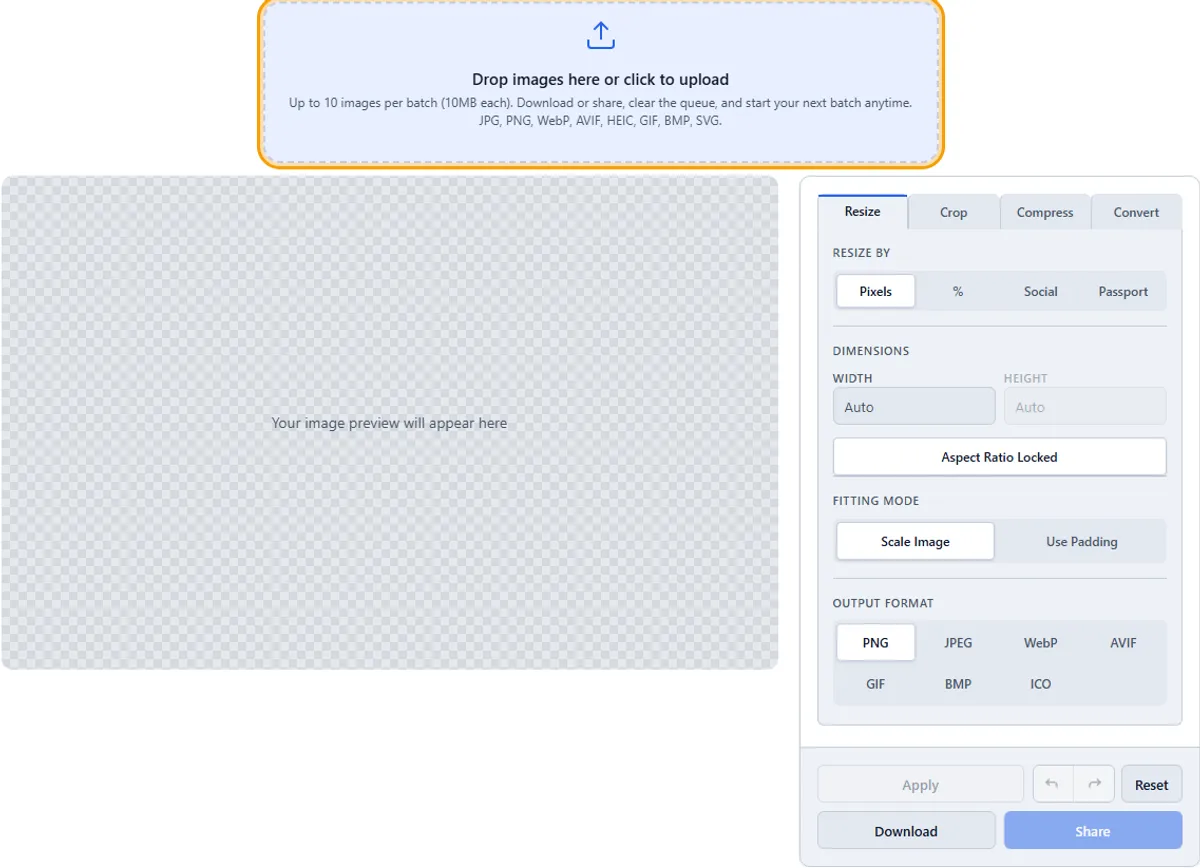
Step 2: Upload your image
Drag and drop your file onto the upload area, or click to browse. You can add up to 10 images per batch (10 MB each). If the preview looks wrong, check you picked the correct source file.

Step 3: Configure settings
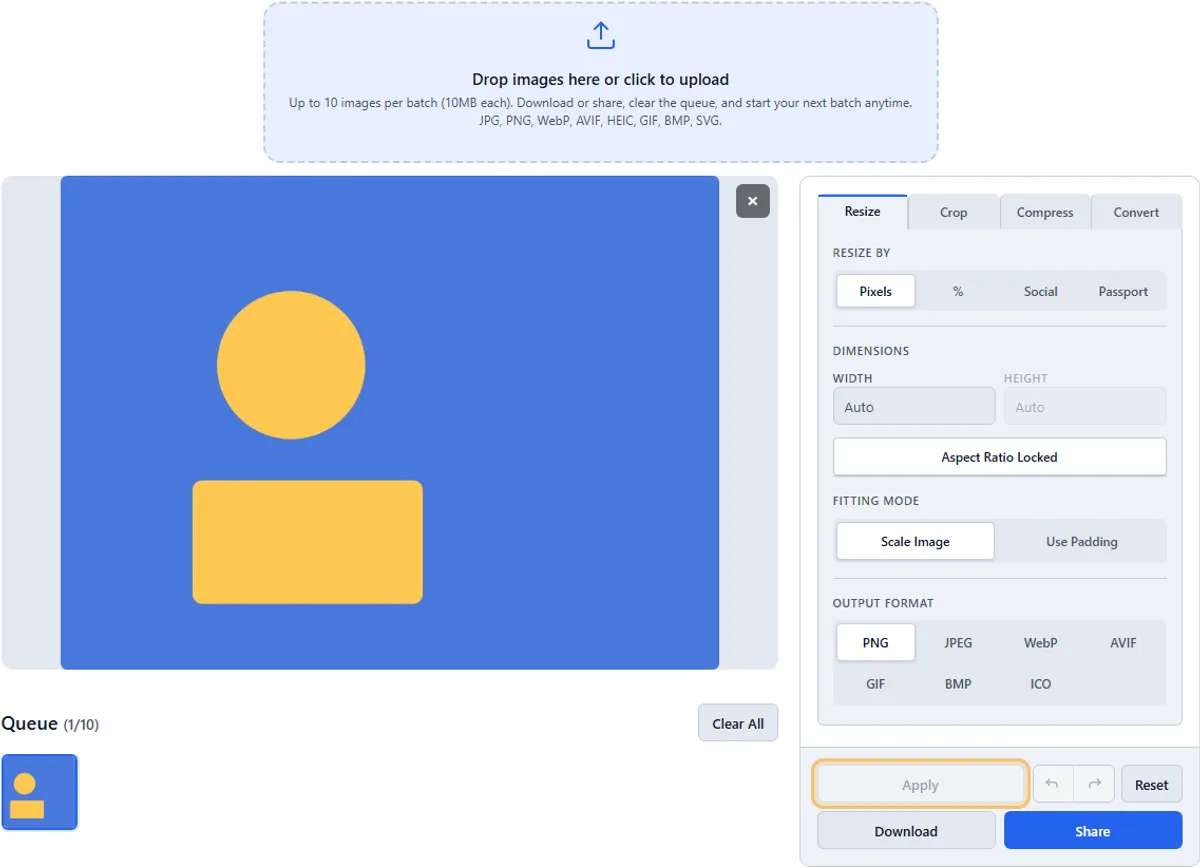
Set the options you need to resize up to 10 images in one batch. Use the live preview to check the result before exporting. Adjust settings while watching the canvas — changes apply only after you click Apply.

Step 4: Apply and preview
Click Apply to update the canvas preview. Use Undo if you want to try different settings. Use Undo if you want to compare before downloading.
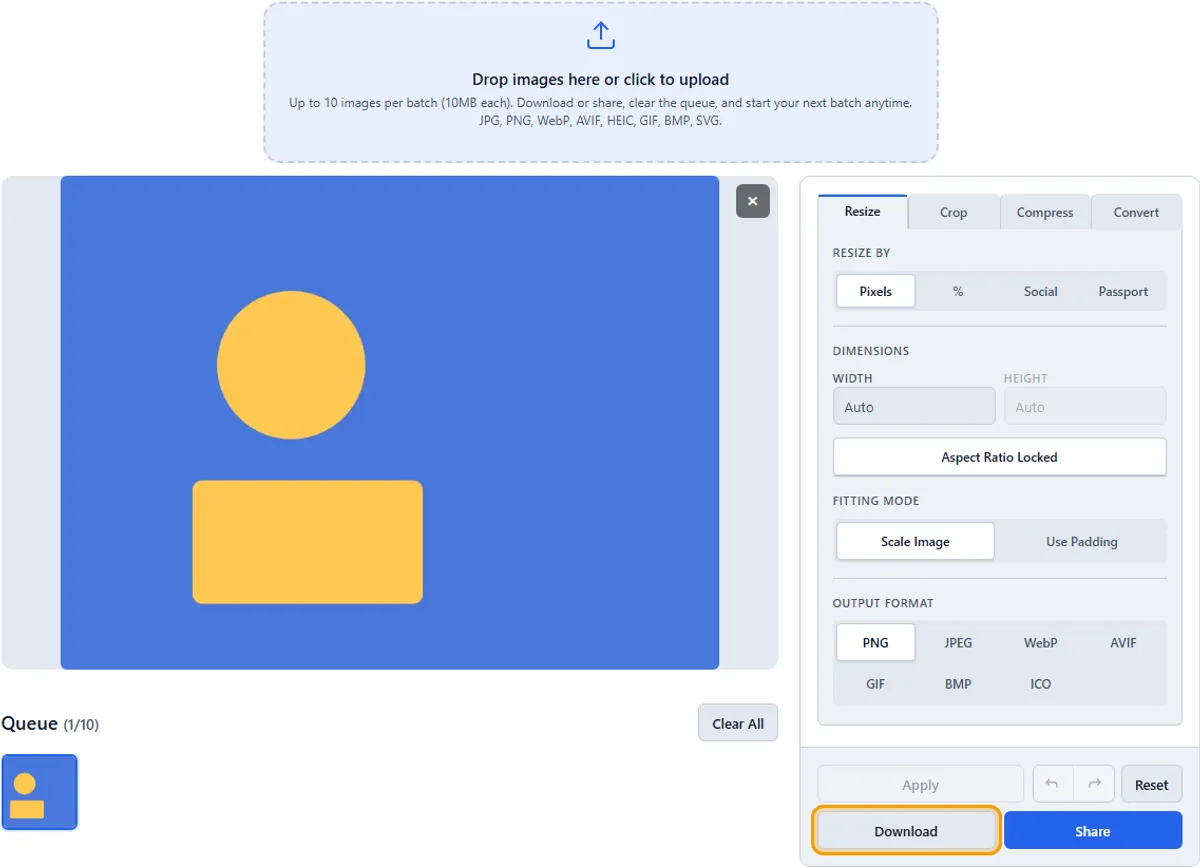
Step 5: Download or share
Click Download to save to your device, or Share to get a secure link with optional password and expiry.
Practical tip
Use aspect ratio lock when resizing to prevent stretched or squashed results.
Try it yourself
When you are happy with the preview, download to your device or share a link — your choice. Open the Bulk Image Resizer →
Related: Open the tool · How imageresize.cc works · FAQ
Common questions
Is this really free?
Yes. imageresize.cc is free with no watermarks and no signup required.
How many images can I process?
Up to 10 images per batch (10 MB each). Clear the queue and start a new batch anytime.
Is imageresize.cc safe for personal photos?
Editing happens in your browser. Files upload only when you download or share. Shared images auto-delete within 48 hours. See our Privacy Policy for details.